
Bring you a handy guide on how to make the email templates fit your company branding!
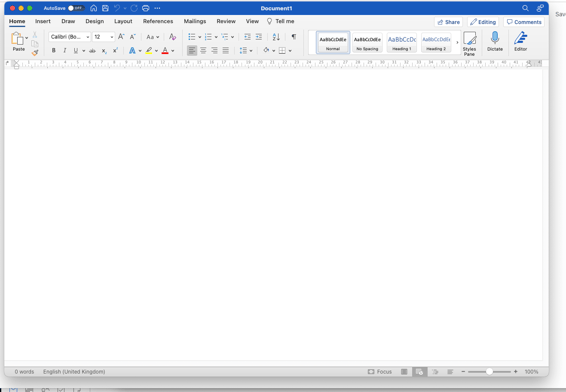
Start by creating the email in a new word document:
change the format to web layout at the bottom of the format
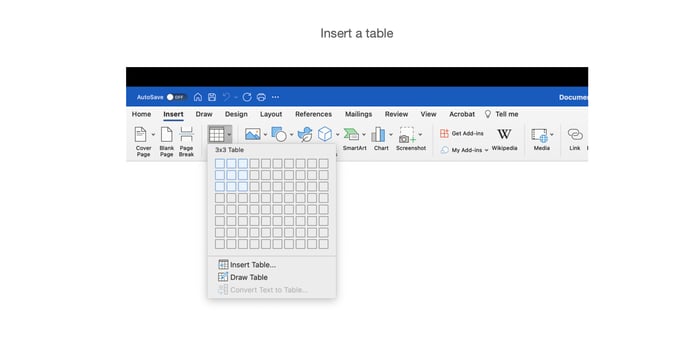
Insert a table
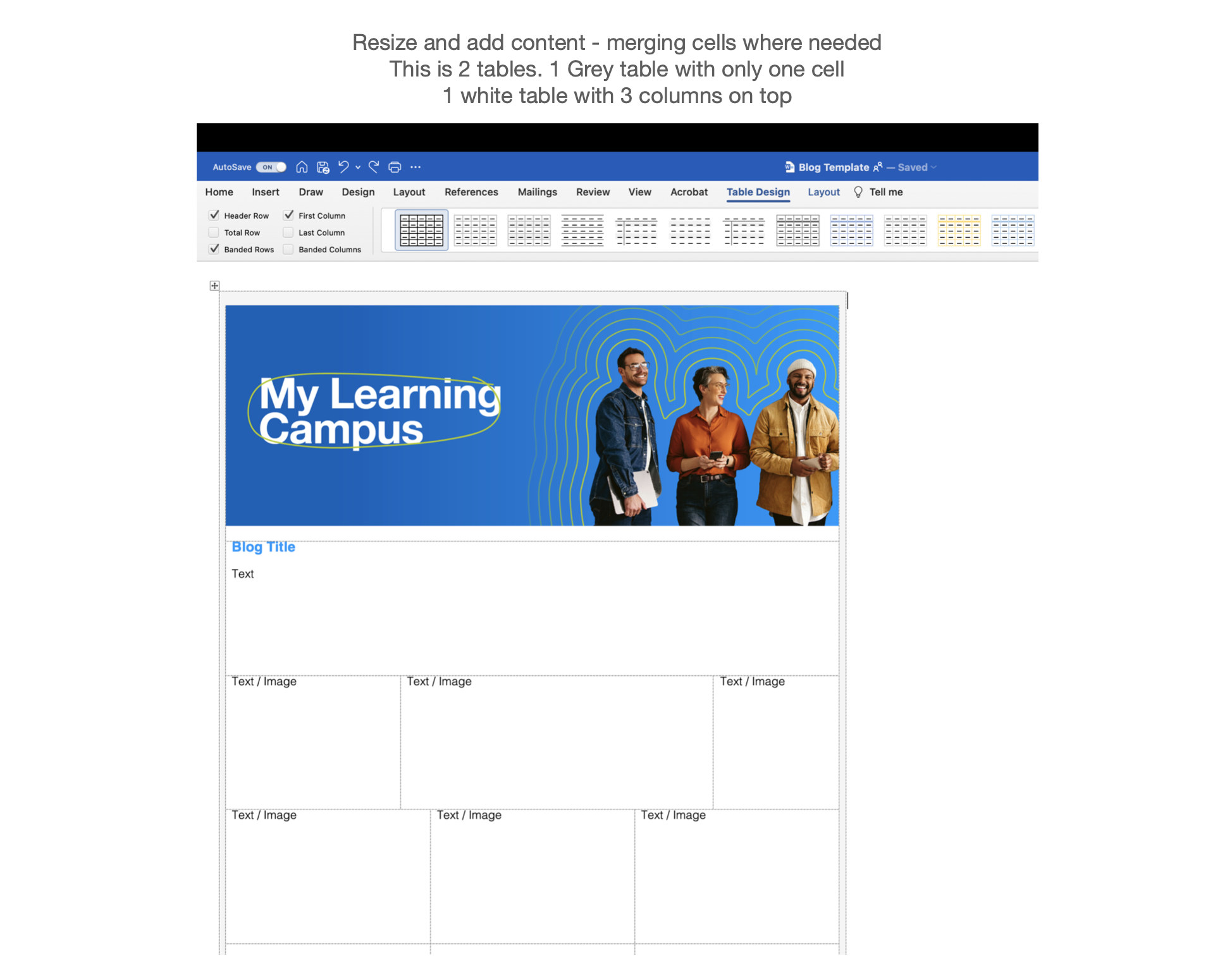
Format the table
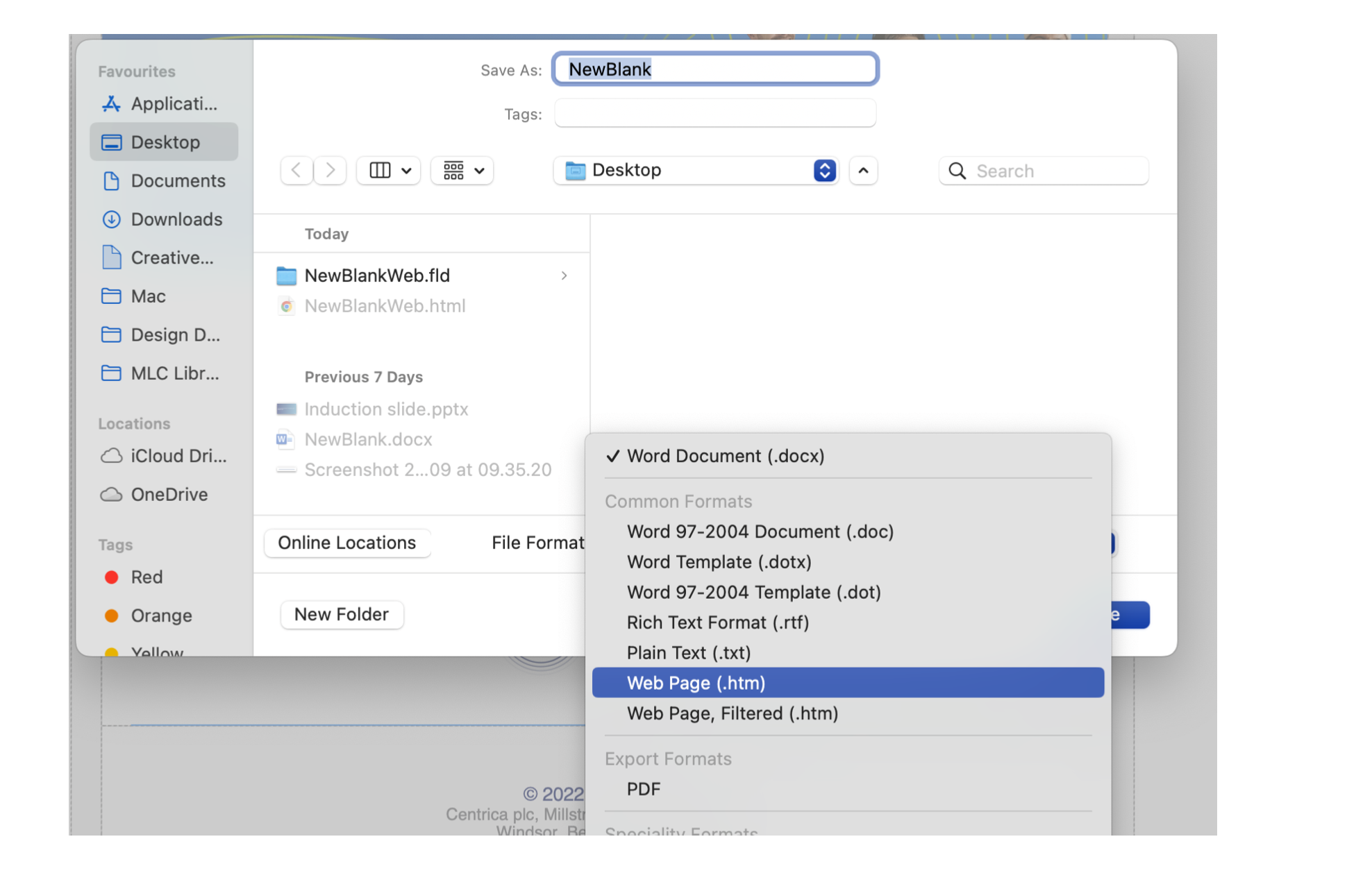
Save as a Webpage and then open the document in “Word” again
In the document, navigate to view - and view as HTML as source
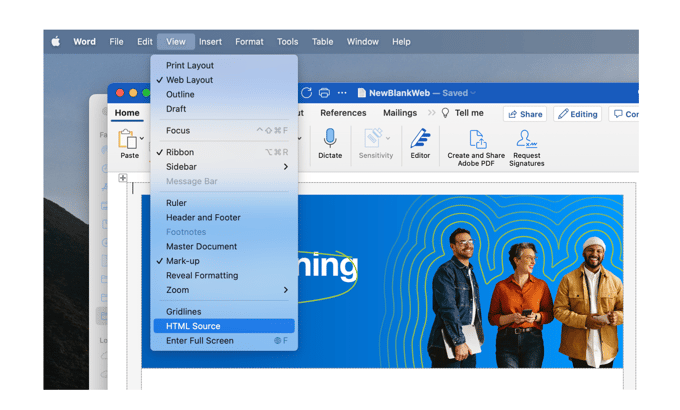
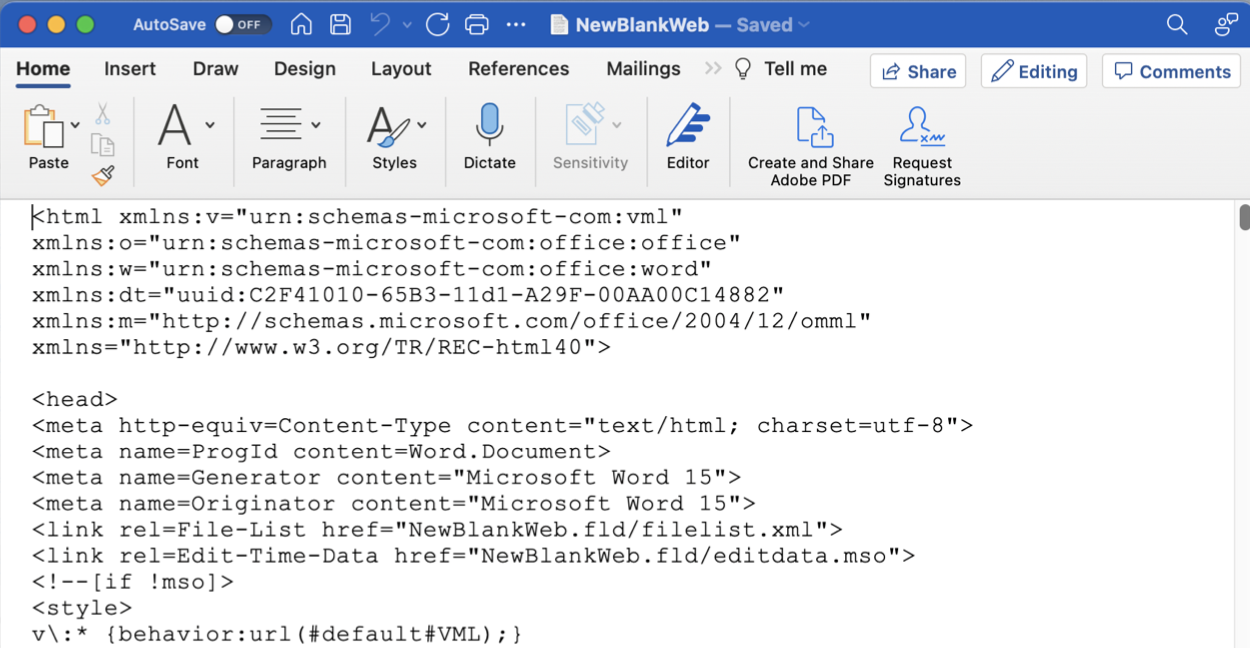
Copy the html source code and navigate into the email templates in the admin area in GE
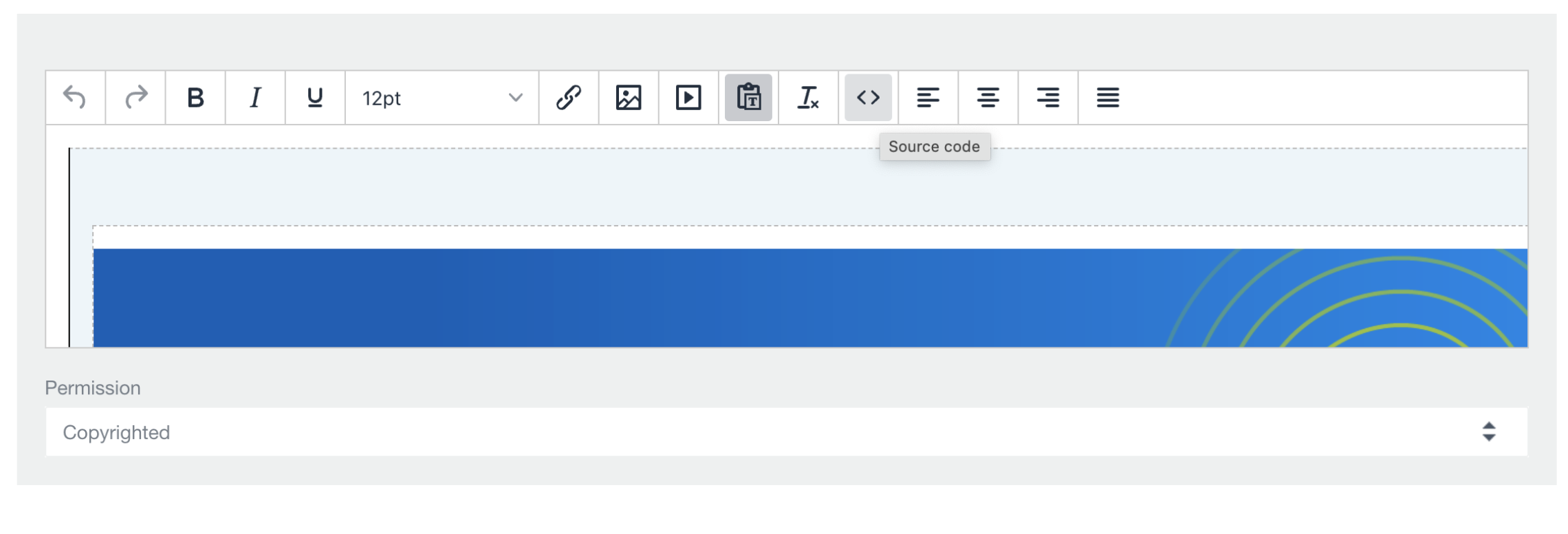
Paste the source code to the desired email template in the source code section
You can now view the template as an outcome and modify it as necessary!
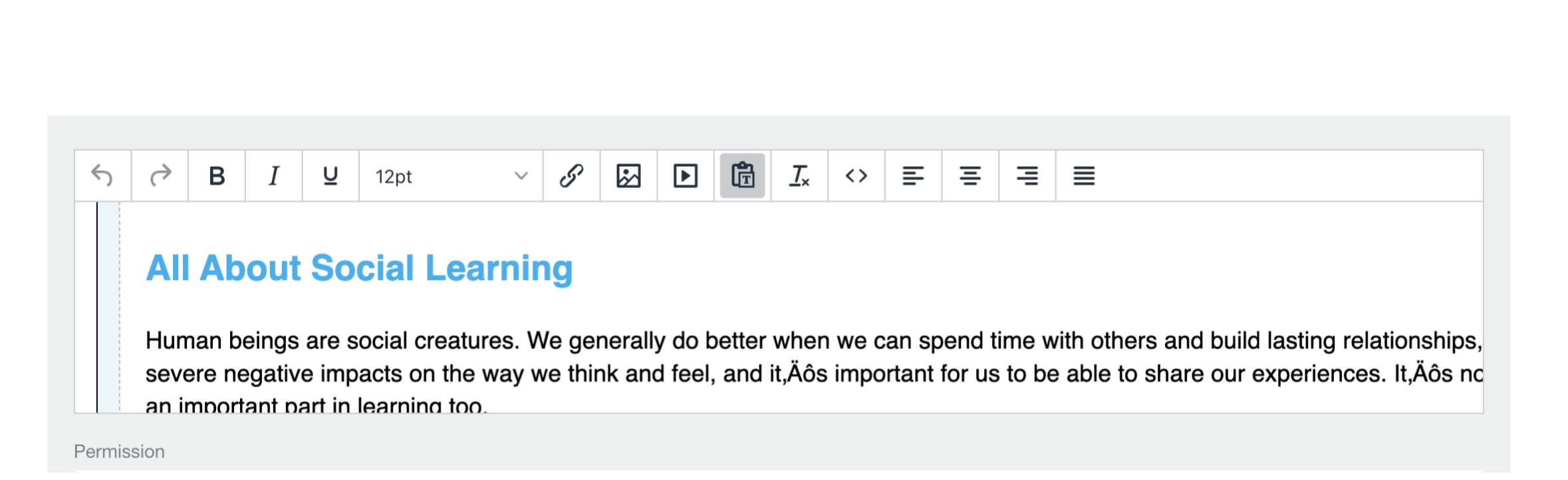
Ta-dah! There you have it!