
Once you have created the library category, you can add sub-categories under this category. These will act like folders separating content within the category.
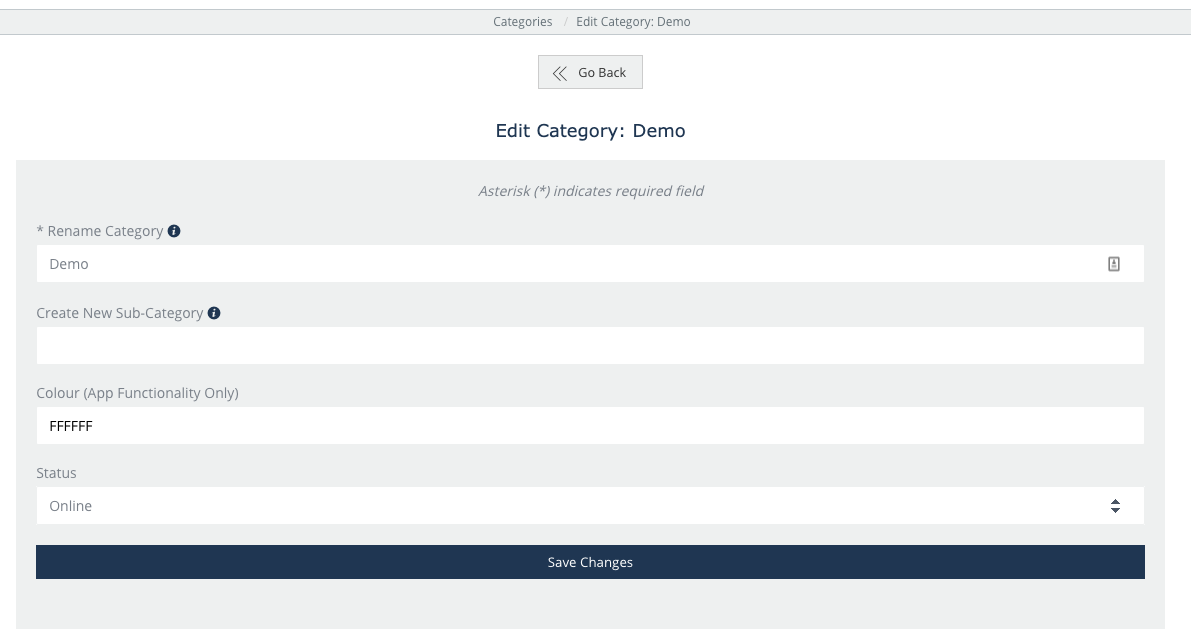
Click on Edit the category to open up the category you wish to add a sub-category folder.
You can edit the category name again, or simply create a sub-category. Note that the name limit is 155 characters. Click to save changes.
You can add images to the sub-categories by clicking on edit the category.
This will open up the view to upload a logo for the sub-category under the category name and description view.
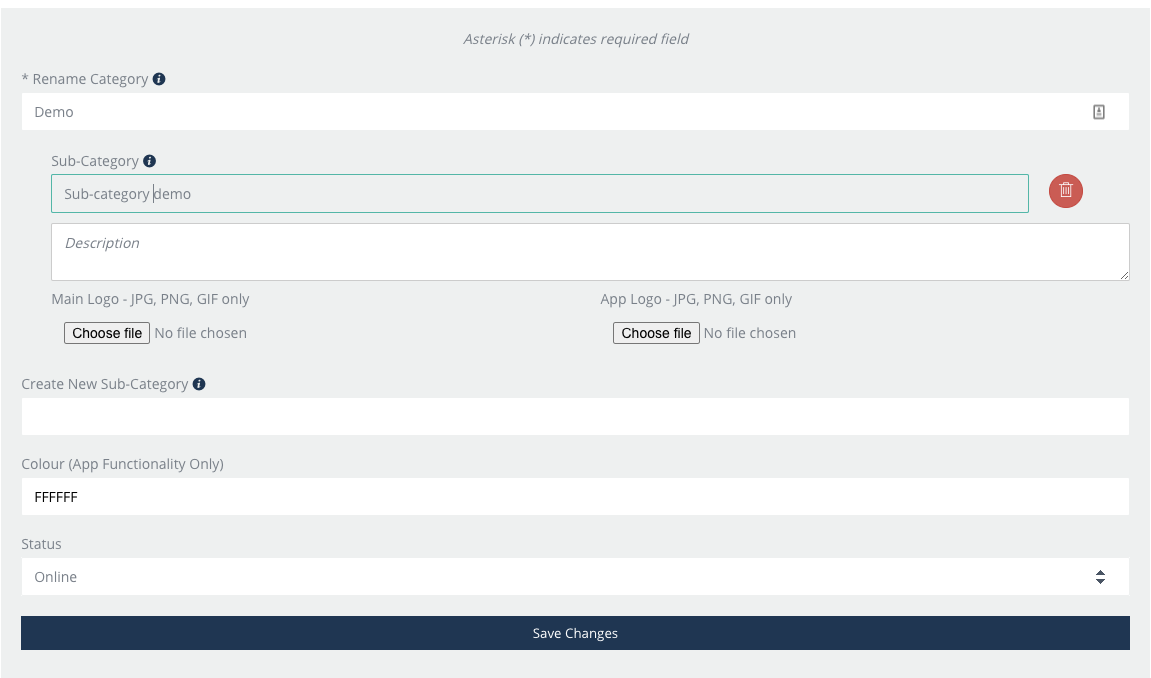
Additionally, you can create further sub-categories or delete the sub-category if needed.