
On the LMS, the administrator has on-hand options to expire or offline content.
To perform those actions, the admin can edit the content or enter an expiry date when creating content.
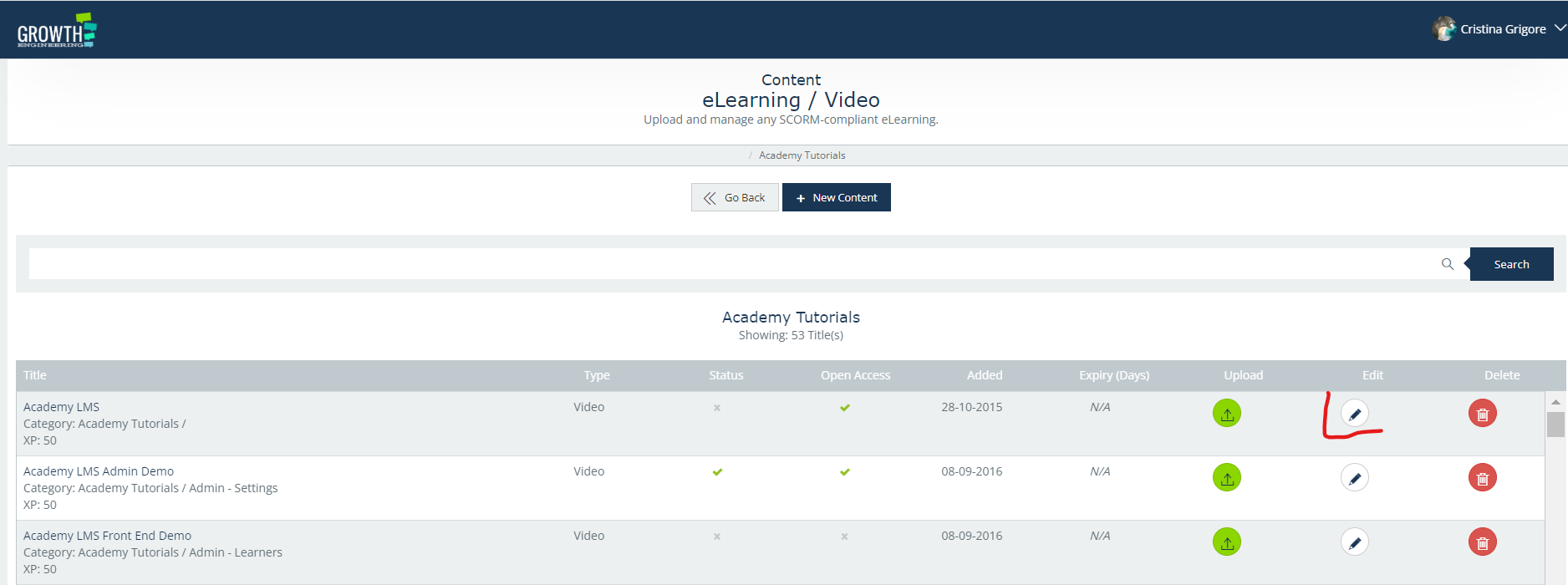
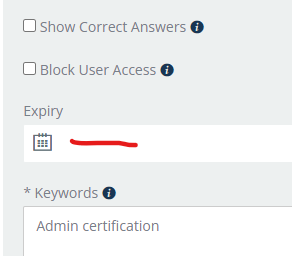
Expiry Date
On the content page, there is the option to enter an expiry date. This means that, once the set date is achieved, the system will automatically offline the content.
Note: If the content is part of a Level or Curriculum, the offline item has to be manually removed and Level/Curriculum resaved.
Offline Status
Changing online content to offline it’s easy. The admin will go to the content, edit it and then scroll down to the Status. Click on the arrows and choose Offline then click on the Save button.

This will remove the content visibility from the library section.