
Question Bank is the depository of questions that can be used across the genie units.
It is particularly handy for battles and battle squads as creating a folder in the Question bank will allow the admin simply to pull in the pool of questions from a folder, or even the whole folder!
Where to start?
It is best practice to arrange questions into folders; you can use the existing folders or simply create a new one by hitting the + sign on the folder menu.
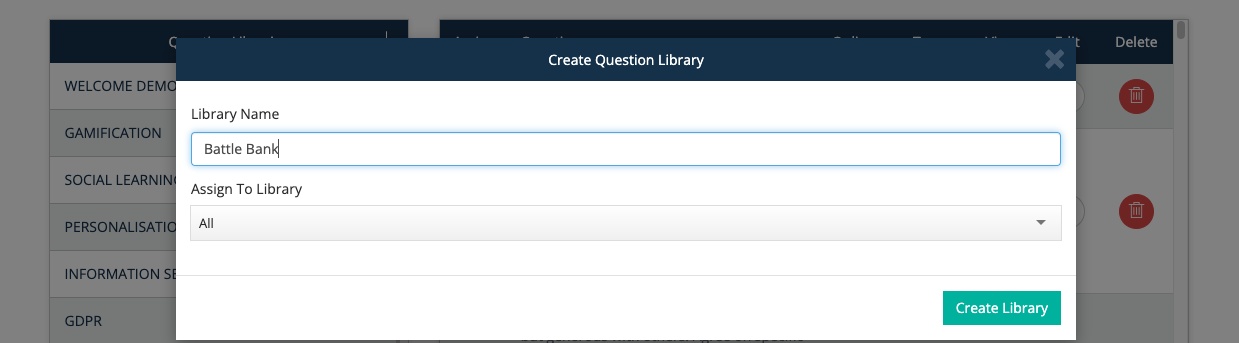
Add a name for the folder. You can also create subfolders by assigning this new folder to an existing Questions library folder. You can save this new library folder by clicking on the “Create Library” button.
Adding Questions
Creating questions starts with the “Add Question” button. You can create questions already inside your newly created folder when you are highlighting that folder and add the questions through the folder!
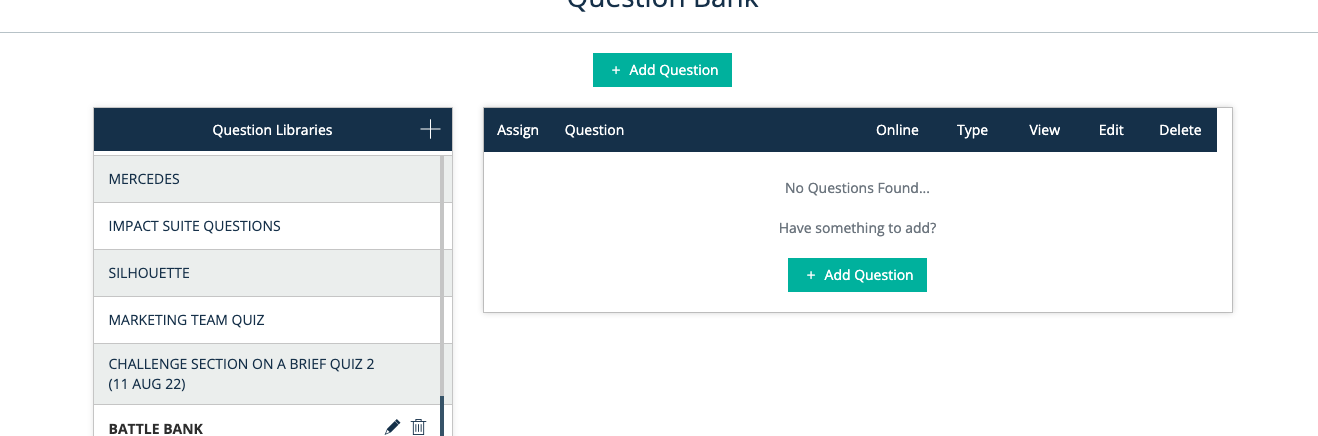
You can create a number of different types of questions:

Do note that for Battles and Battle Squads, you can only utilise questions types such as:
Multiple choice
True / False
-
Yes / No
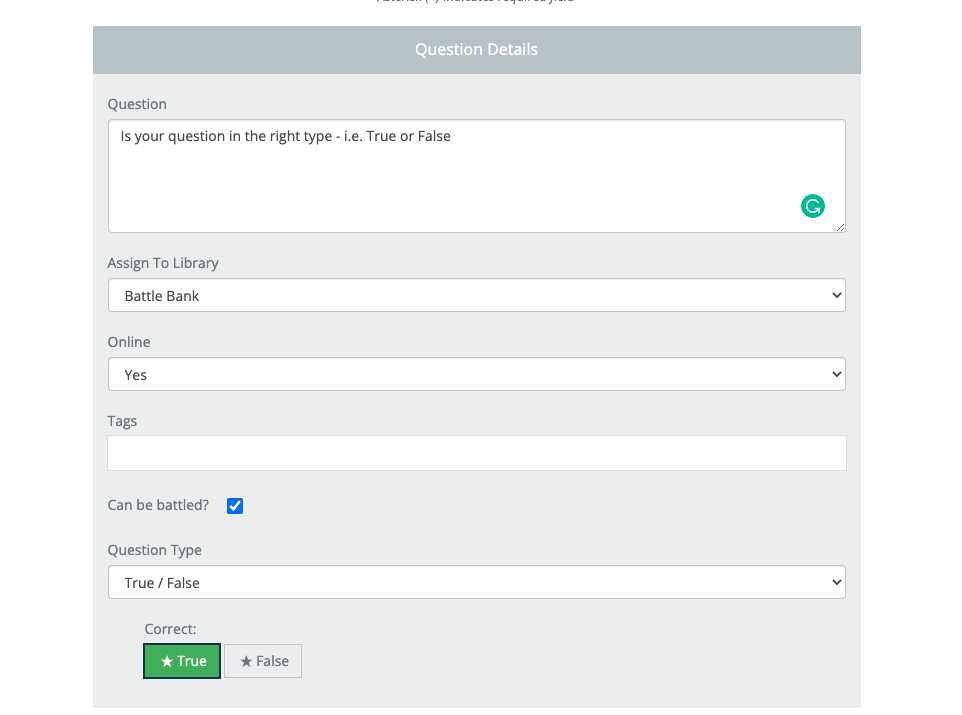
These are the ones that will also show the tick box - can be battled? By ticking this, you are enabling the question for a battle.
Once you have chosen your questions type - you can add in the correct answer, any assets that you would like to use as well as positive and negative feedback comments + assets.
Finally, once you have saved the questions, you can quickly view the questions that you have created and the answers you have selected as the right answer through the ‘View’ button.
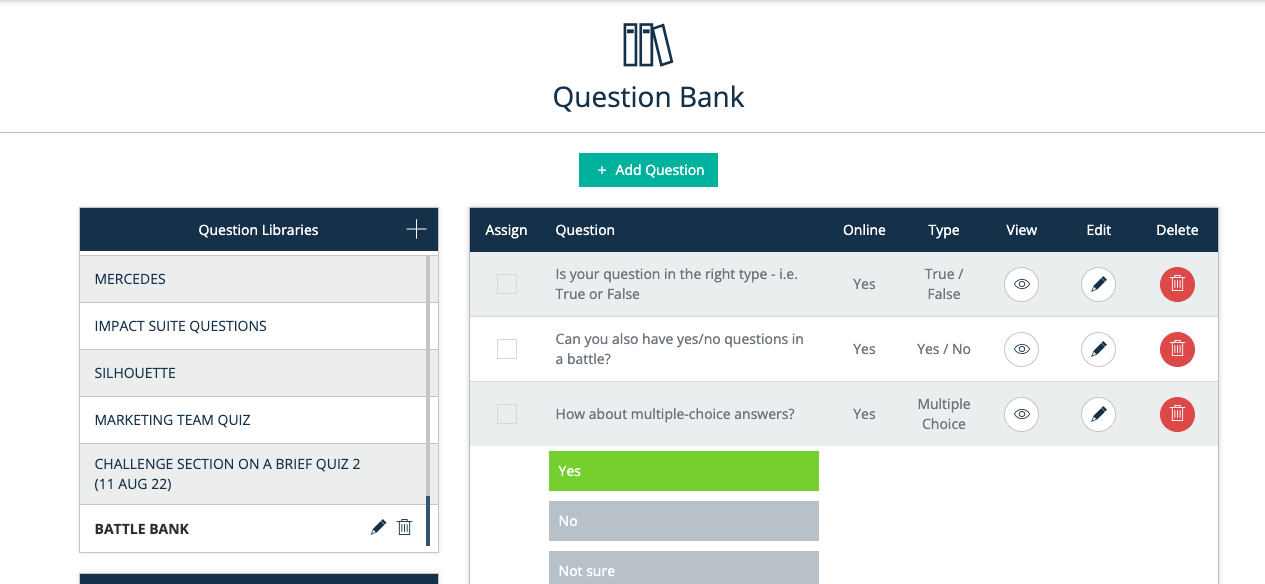
That’s it - simple!
Top tip:
For Battles and Battle Squads, we would encourage you to have more than 20+ questions in each folder so that when the battle is picking up the 5 random questions, these are not always the same!